Installing Taskion on your local server is simple. Follow our guide and verify that everything works correctly.
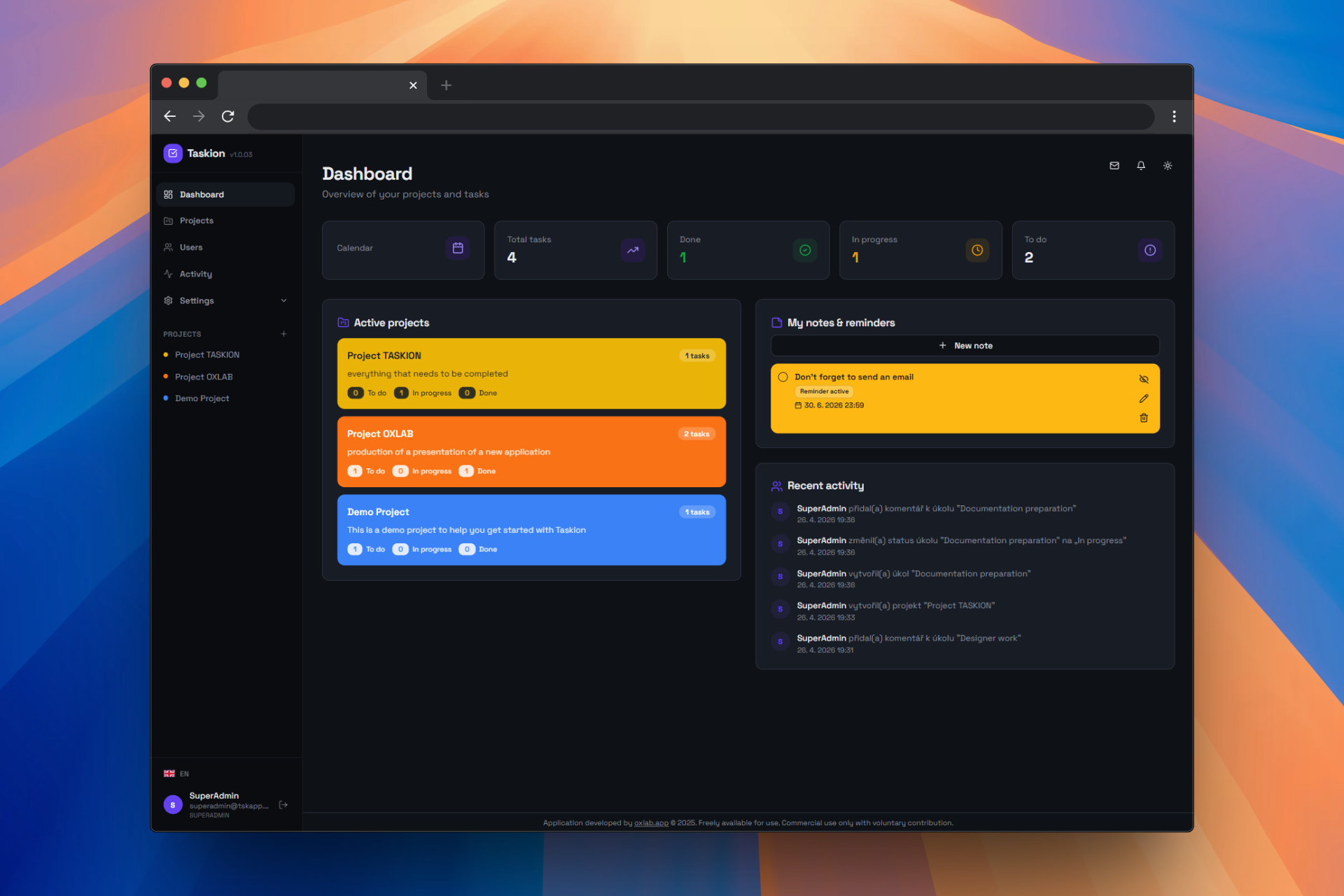
Download Taskion and copy the contents to your development folder.
Local Development (WAMP/Apache server):
C:\wamp64\www\taskionProduction Server:
public_html or wwwOpen the project in VS Code editor.
Steps:
Alternative - Command Line:
cd C:\wamp64\www\taskioncode .Install all required Node.js packages.
npm installnpm install --legacy-peer-depsConfigure the .env file for your environment.
Steps:
.env in editorExample .env file:
TASKION_DB_HOST=localhost
TASKION_DB_NAME=taskion
TASKION_DB_USER=root
TASKION_DB_PASS=
TASKION_DB_CHARSET=utf8mb4Run the installation wizard to create the database and tables.
https://localhost/taskion/installAfter successful installation, run the development server.
npm run devVerify that everything works correctly.
Taskion requires Node.js version 16.0 or higher.
node --versionWe recommend using Visual Studio Code.
Git is recommended for version control.
git --versiongit initPackage installation failed or errors occurred.
Solution:
node_modules folder and package-lock.json filenpm cache clean --forcenpm installnpm install --legacy-peer-depsnode --version
The npm run dev command returns an error.
Solution:
package.json file existsnode_modules folder is presentnpm run dev -- --hostThe application cannot connect to the API server.
Solution:
config.js file in editorapiUrl is correctly sethttp://localhost/taskion/api/statusThe application cannot connect to the database.
Solution:
.env file - verify TASKION_DB_HOST, TASKION_DB_USER, TASKION_DB_PASSWORD, TASKION_DB_NAME/api/schema.sqlPrepare the application for deployment to a production server.
Steps:
npm run builddist folder should be created)dist folder to your production server.env file is correctly set for productionExample Apache configuration (.htaccess):
<IfModule mod_rewrite.c>
  RewriteEngine On
  RewriteBase /
  RewriteRule ^index\.html$ - [L]
  RewriteCond %{REQUEST_FILENAME} !-f
  RewriteCond %{REQUEST_FILENAME} !-d
  RewriteRule . /index.html [L]
</IfModule>If you have any questions or problems with the installation, please don't hesitate to contact us.
